Making race-winner graphics for every 2026 team
Using the F1 Tools Race Winner generator across 2026 team presets — poses, colour fields, and 2160×2700 exports that survive Instagram compression.
After a race, the internet wants the same asset: a loud winner poster in the team’s colours. The Race Winner generator is built for that loop — and it works across the 2026 grid, not just the usual top teams.
The workflow I repeat every Sunday
- Open
/winner. - Select the winning team preset (colour field + branding).
- Pick a pose (front / left / right) or upload a cutout.
- Set driver name, event, and round line.
- Export 2160 × 2700 PNG.
The 2× export is intentional. A 1× screenshot looked soft next to the official-looking posts in my camera roll; the double-resolution PNG held edges after Instagram’s encode.
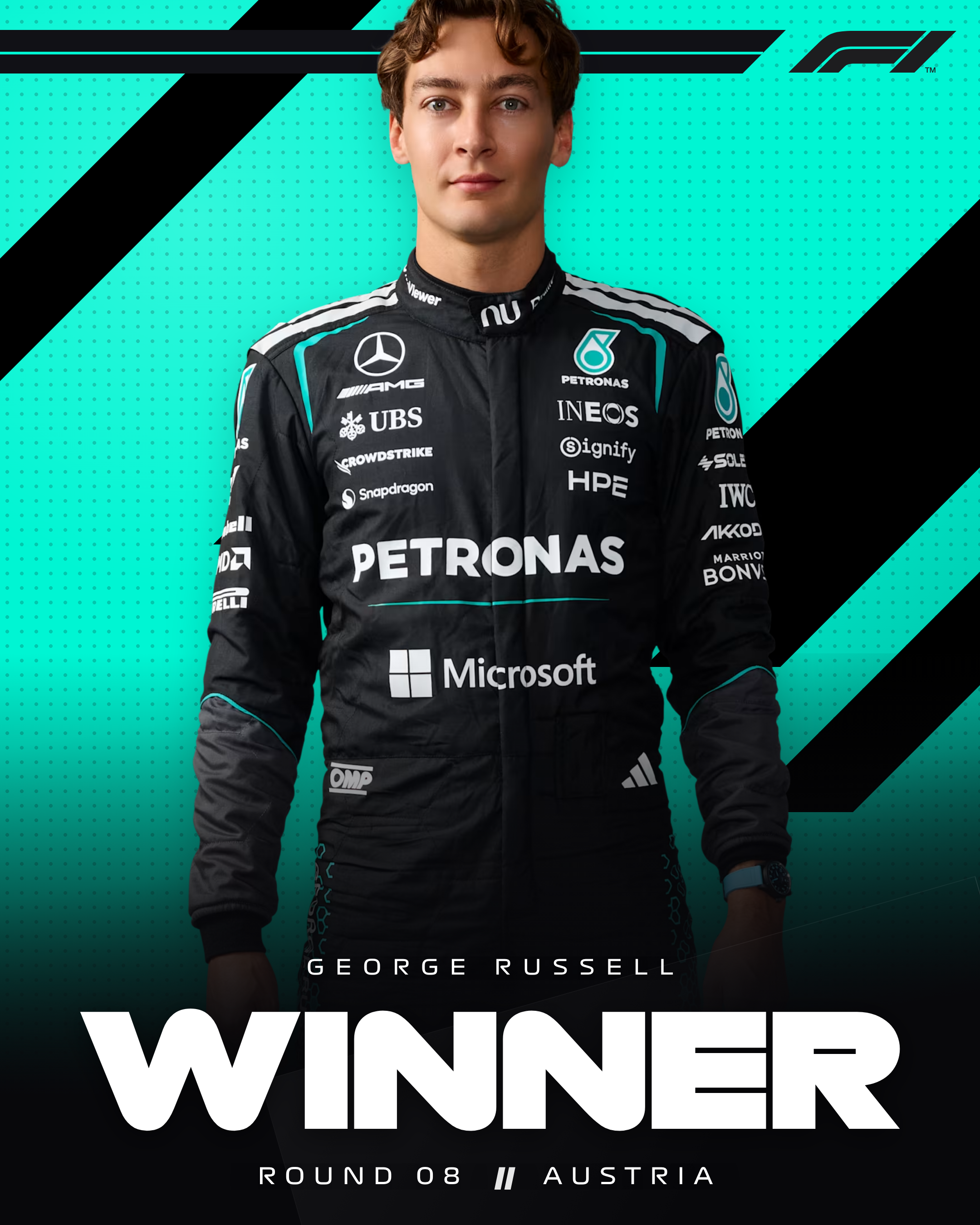
Team colour fields
Each preset changes the large colour shapes behind the driver. That is the difference between a generic “WINNER” meme and something that feels like a team celebration asset.
Quick checks I do:
- Does the surname still read on the colour?
- Is the pose facing into open space rather than cropped by a block?
- Does the logo/year mark match 2026 branding?
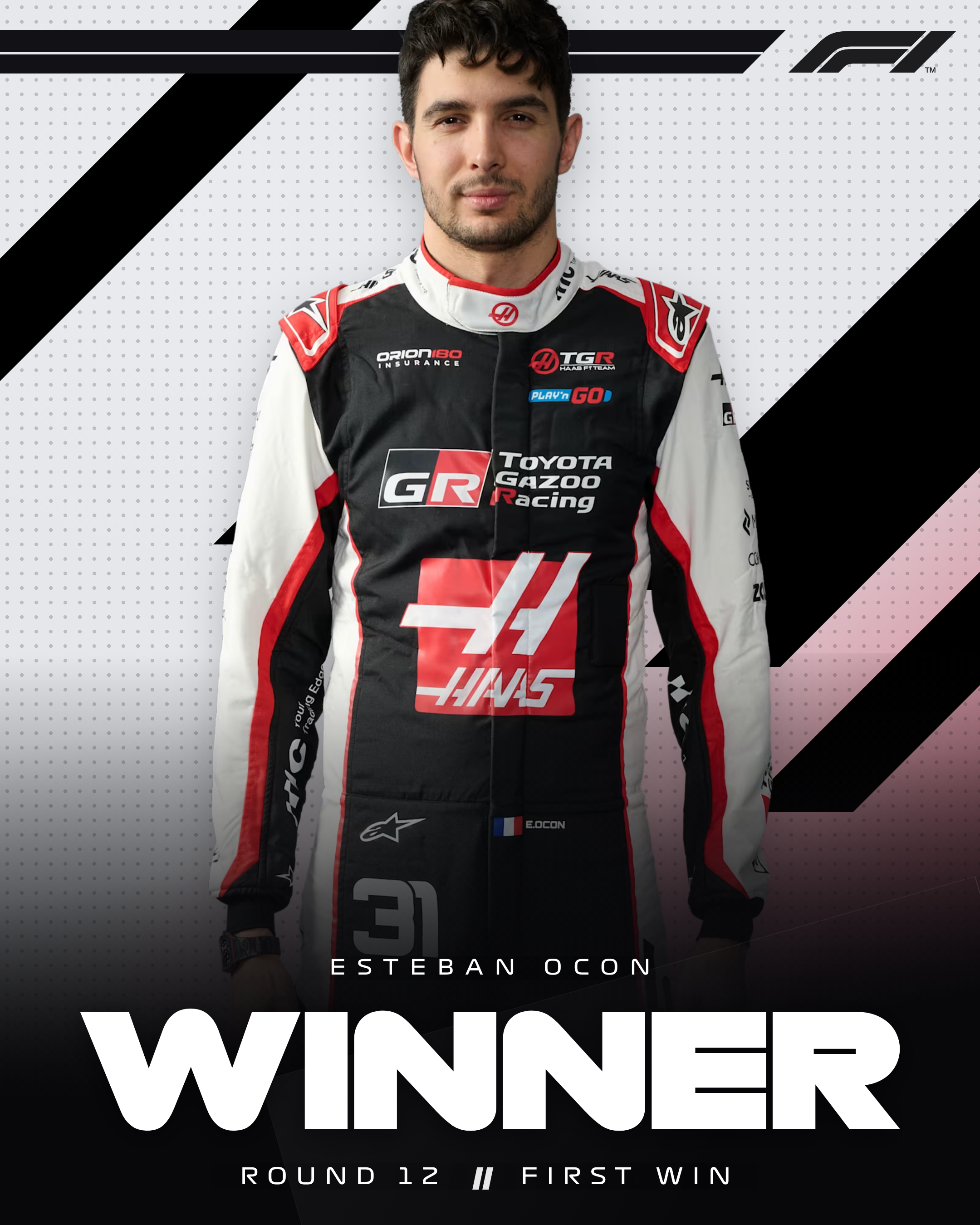
Pose packs vs uploads
Built-in poses are the fastest path when available. For a one-off (reserve driver, wet-race suit, podium bottle shot), upload a transparent PNG and scale carefully — the composition assumes a roughly standing figure.
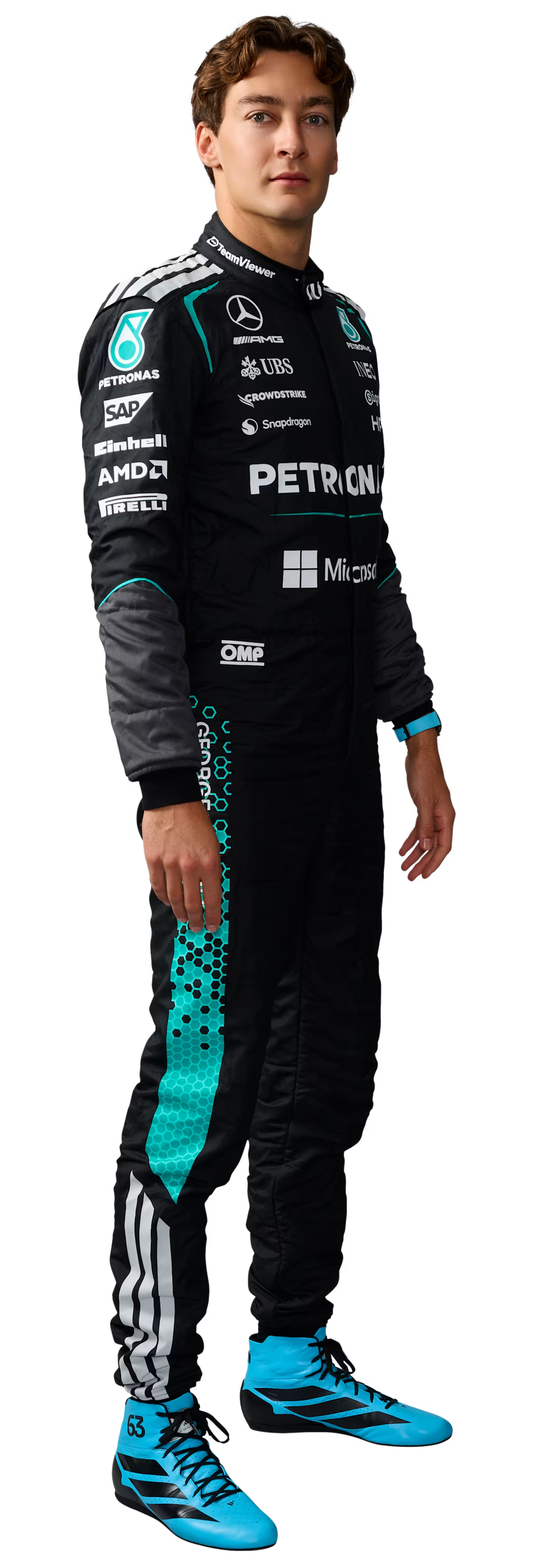
Midfield and new teams
The point of “every 2026 team” is consistency. Haas, Cadillac, Audi-branded entries, Racing Bulls — same editor, same export size, same type hierarchy. Your feed looks intentional even when the winner is a surprise.
Side-by-side observation
| Approach | Result |
|---|---|
| Screenshot of the on-site preview | Soft, wrong pixel size |
| Export PNG at 2× | Crisp on phone timelines |
| Flat non-team background | Reads as a generic sports template |
| Team preset + cutout | Reads as a race graphic |
Presets explained in more depth: How team-colour presets work. Product steps: Guide — Race Winner.
Related Tutorials
July 10, 2026
How exports are generated locally in your browser
Why F1 Tools never uploads your graphic to a server — client-side PNG/PDF capture, fonts, and what that means for privacy.
July 18, 2026
How I recreated an F1 broadcast graphic in the browser
A walkthrough of rebuilding a Formula 1 breaking-news card with the F1 Tools editor — team presets, photo framing, and a 1080×1350 PNG export.