Creating an Instagram F1 starting-grid carousel
How to export both F1 Tools grid pages and post them as a single Instagram carousel without awkward crops or mismatched sizes.
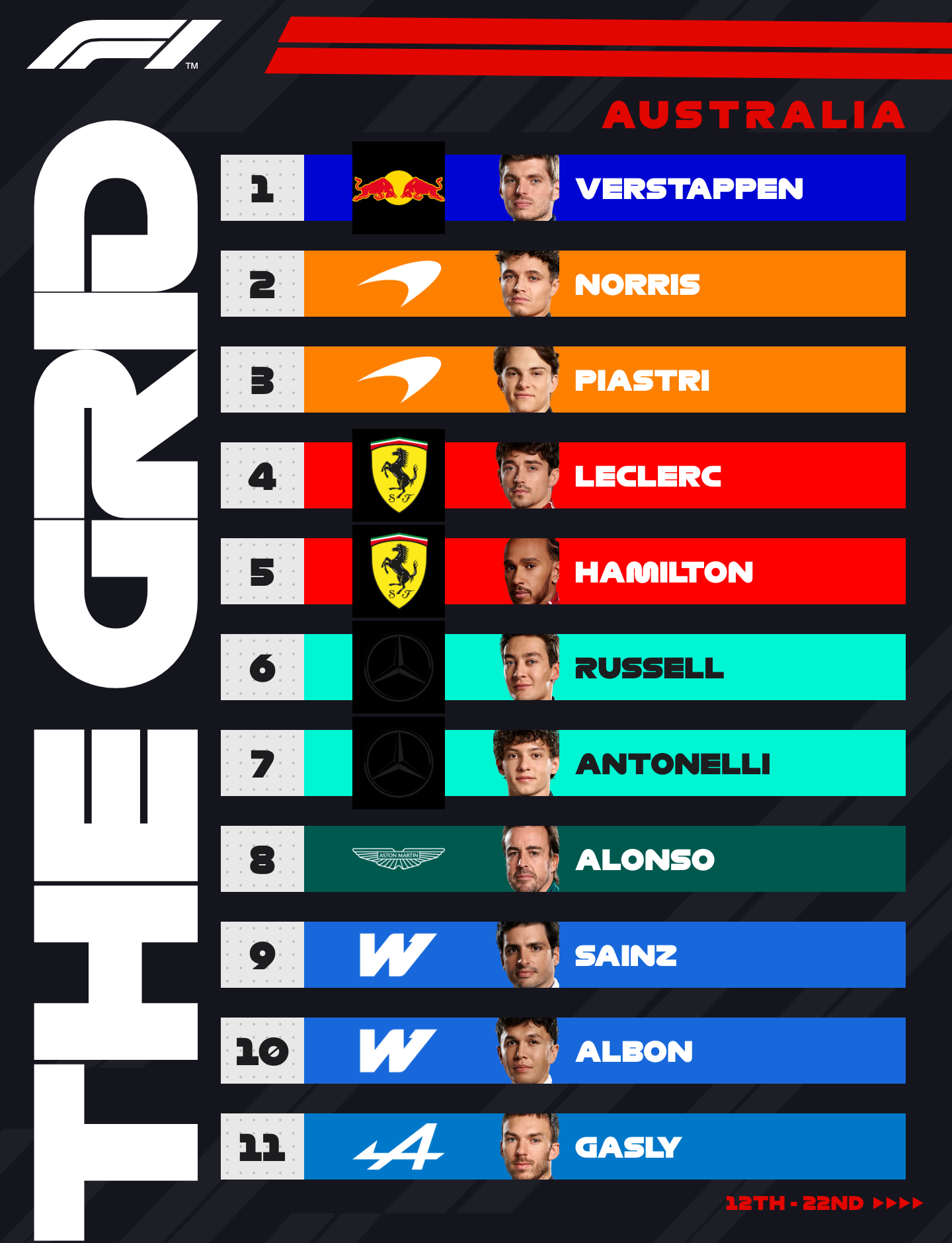
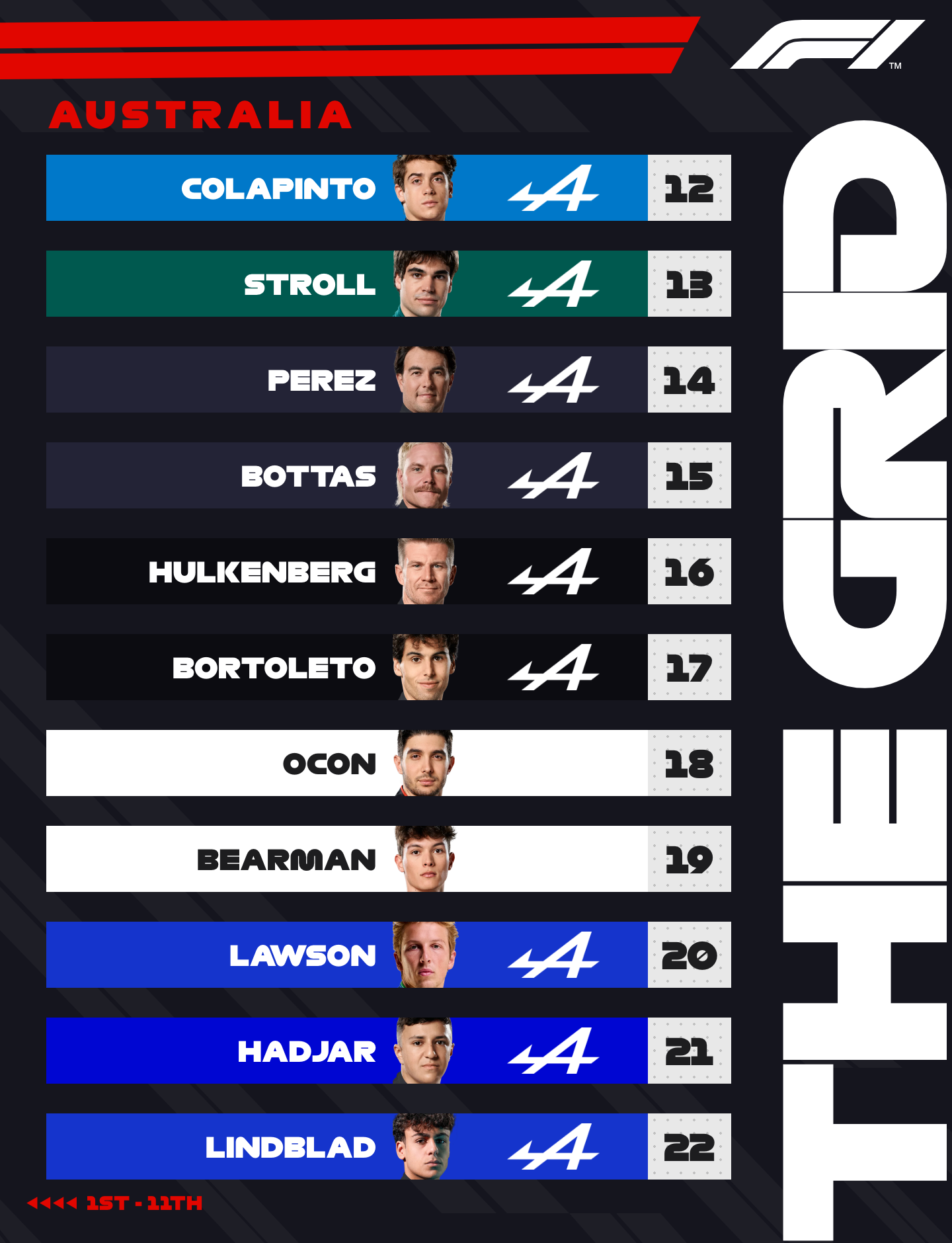
The Starting Grid tool exports two PNGs on purpose: page one for the sharp end of the grid, page two for the rest. Instagram is where that design choice pays off.
Export from F1 Tools
- Open
/gridand set the race name / location. - Reorder drivers to match qualifying (or the race start order).
- Hit export — you get two files at 1440 × 1880 each.
I keep the filenames in order (…-page-1, …-page-2 or whatever your browser names them) so the upload sequence is obvious.
Posting as a carousel
In Instagram (mobile or desktop creator tools):
- Create a new post and select both images.
- Confirm page 1 is first in the strip (P1–P11).
- Leave the aspect alone — do not force a square crop.
- Write the caption once; the swipe carries the rest of the field.
Because both canvases share the same pixel size, Instagram does not jump between ratios mid-swipe. That was the whole point of standardising on 1440 × 1880.
Test results from a few weekends
| Check | Observation |
|---|---|
| Feed preview | Type stayed legible on an iPhone 13-class screen |
| Carousel swipe | Header alignment felt continuous between pages |
| Compression | Instagram softens fine lines; bold names held up better than thin tracking |
| Alt crop to Stories | A 1440×1880 feed post is not a full 9:16 Story — expect letterboxing if you reshare |
Caption pattern that worked for me
Something short and structured:
Austrian GP starting grid
P1–P11 → swipe for P12–P22
Graphics: f1tools.app/grid
It tells people there is a second page. Without that, a surprising number of viewers never swipe.
Common mistakes
- Uploading only page 1 and wondering where P12 went
- Reordering images in the Instagram picker so P12 appears first
- Screenshots of the on-site preview instead of the export (preview is scaled down; export is the full canvas)
More on how the 22 slots are arranged: How the starting-grid generator lays out 22 drivers.
Related Tutorials
July 17, 2026
How the starting-grid generator automatically lays out 22 drivers
Inside the F1 Tools starting grid: staggered rows, team colours, 22 slots, and a two-page 1440×1880 export built for Instagram carousels.
July 15, 2026
PNG versus WebP for motorsport social graphics
When to upload PNG cutouts into F1 Tools, when WebP is fine, and what Instagram actually does to your export.
July 18, 2026
How I recreated an F1 broadcast graphic in the browser
A walkthrough of rebuilding a Formula 1 breaking-news card with the F1 Tools editor — team presets, photo framing, and a 1080×1350 PNG export.